Maintenance
🔧 Recurring maintenance
Loading…
🚨 Reported issues
Loading…
Recurring maintenance: from the last Samsara export · Issues: live from Samsara, refreshes hourly

Enter your PIN · 4 to 8 digits
Internal — Alpine Specialty Services.
Your PIN is personal — don’t share it.
Not you?Have a username? Sign in with it
Alpine is moving to a username plus a 6 digit PIN. You do this once. After that your phone remembers your username, so you only type your PIN.
Keep your username and your PIN to yourself: never share either one. If you ever forget your username, a manager can look it up.
Internal — Alpine Specialty Services
Look up a username, or clear wrong PIN tries so someone can sign in now. A blocked phone or wifi connection (often the whole office) can be cleared by Robi, Eric or Bobbie.
Internal — Alpine Specialty Services

Internal — Alpine Specialty Services
Switch user
Training games. Play alone on down time, or as a team on the TV.
Zelle for paying today. Affirm for monthly payments.
no_photographyThe phone camera will not work on this code. The customer opens their own bank app, taps Zelle, then Scan a QR code.
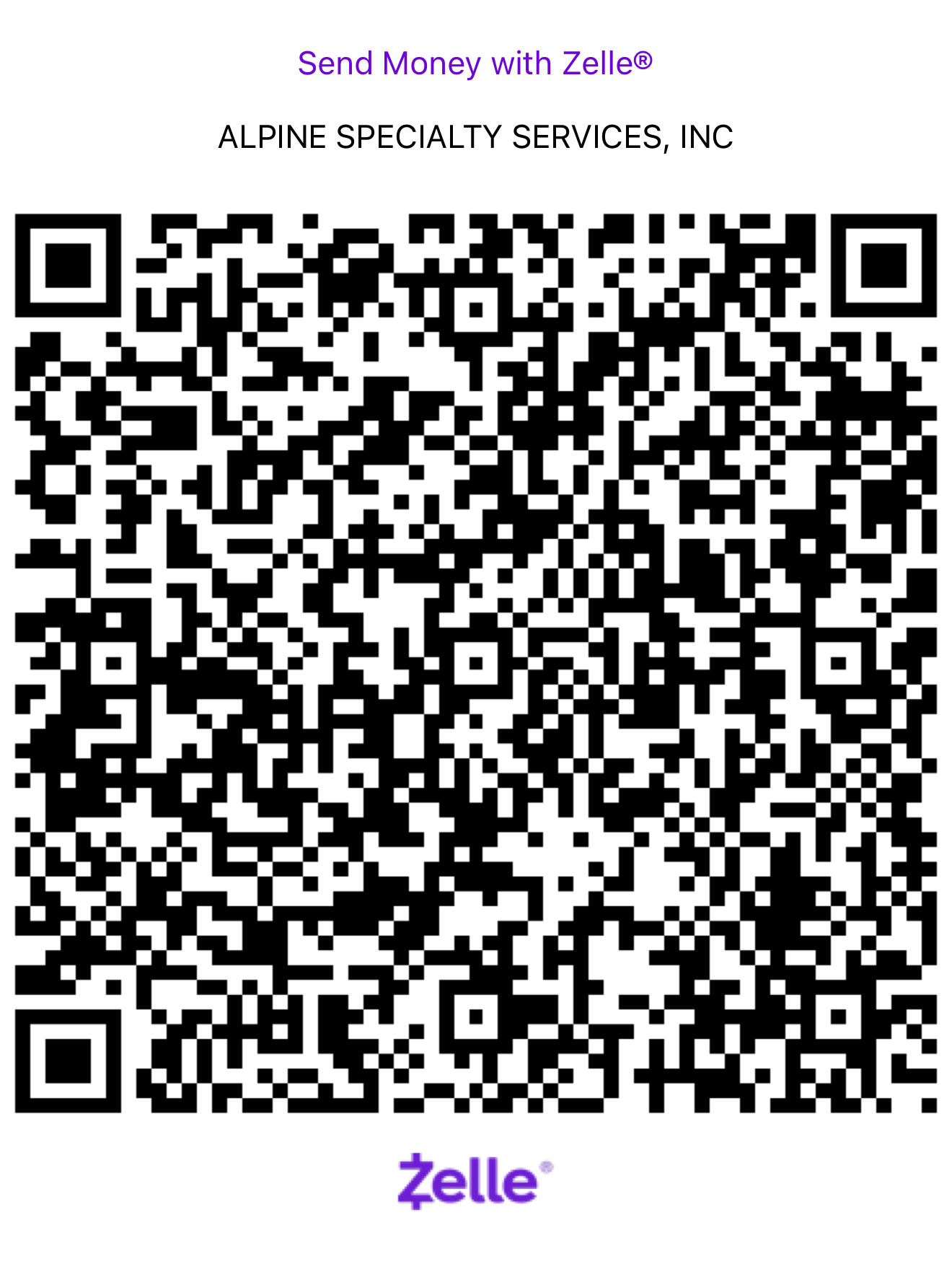
Not settled until the office confirms it landed in Alpine's account. Screenshot the customer's sent screen as backup.
smsBoth buttons text the customer from Alpine's Podium number, so the thread shows in the Podium inbox. Never send Affirm from your own phone.
Give the price first. If they pause: "I totally get it, that's a real number. We have a payment plan option through Affirm that splits this into easy monthly payments. Takes about 2 minutes on your phone, and checking does not affect your credit. Want me to text you the link right now?" Then step away and let them apply.
Will this hurt my credit? No. Checking your options is a soft check. Only a plan you accept becomes an account.
What is the rate? Affirm sets it by your credit, 0–36% APR, and some customers get 0%. You see the rate and the payment before you commit, and you can say no.
How long? A few months up to about a year. You pick.
Is Affirm legit? Yes. It is a large public company used at Amazon, Walmart and Target.
Say "payment plan", never "loan". Never promise a rate. Once they are approved, add the line item in ServiceTitan and mark the payment type Affirm. Affirm pays Alpine in 1 to 3 business days.
Live from the Team SOP board. Drafts are tagged — confirm specifics with Eric.
Internal, Alpine Specialty Services.
Internal — Alpine Specialty Services
Internal — Alpine Specialty Services
Type what you’re trying to do. Claude digs through the words inside every SOP, not just the titles.
Claude reads the SOP boards once a night. Drafts are tagged. Confirm specifics with Eric.
Tap only what was missed. The star score fills in automatically.
Saves to the WOW Scorecard board in Monday. Each miss is logged for training & team profiles.
saved ✓
The scorecard is saved. The photos from the card upload here on their own and attach to it; add more if you like. Leaving is safe.
Photos attach to the same Tech Score Card you just saved.
Every ServiceTitan job form, checked by the app.
Read from ServiceTitan every hour. Data only: no TMOT points.
Before, During & After the work. Submitting saves the card to the WOW board.
A test screen. It does not save cards, change scores or award points.
Picked from ServiceTitan so every tech gets observed fairly. Tap Start at the visit.
Techs with the fewest counted WOW visits go first. Each visit is also on your ServiceTitan calendar as a WOW QC visit. Managers only.
Every filled-out Tech Score Card, newest visit first. Tap a card to open it.
Read-only. Cards live on the WOW Scorecard board in Monday. Managers only. Flags are prompts to look closer, not proof.
From the weekly payroll sheets.
Live activity from the app. Someone counts as active when the app makes a request, so refreshes and reopens count, not just logins.
Sent from the Idea button. Tap a request to set its stage, Open or Closed and your response; it saves to the monday.com board and the person who asked sees it under My requests.
Live. Updates every few seconds.
Powered by GIPHY
Each signature is copied to the person’s BambooHR Notes tab. An item cannot be edited once sent: retire it and send a new one.
Posts from shared team channels that mention you by name. DMs are not tracked here, for confidentiality.
Tap a post to open it in Slack and reply there.
Booked revenue by job creation date, credited to the “Booked By” employee on the job. Booked is not invoiced, so a number moves if a job is edited or cancelled. Monday through Saturday. Same source as the Customer Care wall display.
Weekly Customer Care stats, maintained by Bobbie. Same numbers as the Customer Care wall board.
Everything about your truck in one place.
Report a problem on your truck.
Goes to the shop and your manager. Samsara is still where a finished service is marked done.
Your daily truck inspection: walk around, check the fluids, take the pictures.
Your DVIR lives in the app. Anything you flag goes to the shop on its own.
Wash your truck once a week, take a picture of it clean, tap done.
Your weekly wash lives in the app. A deep clean is a separate form and does not count as the wash.
Samsara stays the record. This is kept here with everything Samsara asks. When sending is on, it goes to Samsara as soon as you tap the button.
Your answers are kept on this phone as you go, so you can stop and come back. Nothing is logged until you finish.
Maintenance, fault codes and issues for this truck, newest first.
Maintenance builds up from each daily read of Samsara plus what is logged here. Fault codes go back 90 days, issues a year.
From Samsara's daily maintenance report. Samsara stays the record for what is done. A truck without a gateway yet is carried by hand until Samsara knows it.
Recurring maintenance: from the last Samsara export · Issues: live from Samsara, refreshes hourly
Schedule live from the CSA/Office Schedule board.
Missed a punch or clocked the wrong time? Send it to the office.
Requests go straight to the office · you'll see Fixed or Denied here.
Pick opening or closing, then check off each item.
Goes straight to the Office Checklists board.
Check items off as you go. Submit once the day is done.
Saved to the RD Daily List sheet and emailed to Eric and Robi.
Log a field ride-along / sales visit while you're on site.
Goes to the Solutions Training Form board (Incoming responses).
Log a tardy, a call off, or a no call no show. Takes a few seconds and files it everywhere it needs to go.
Goes to the Attendance Events tab and the team member's TMOT score.
Check off what you cleaned, answer every tool line, then add photos.
Saved to the Deep Cleans board, emailed to Eric and Robi, and sent to your manager to inspect.
saved ✓
The deep clean is already saved. Add a photo for every required station. They upload on their own and attach to it; leaving is safe.
Every photo lands on the Monday item and in Alpine's own photo store.
Filed deep cleans waiting on a Pass or Redo, then the history.
Tap a deep clean to see its answers and photos and record the inspection.
Pick the tech, then write what you saw in each area. Photos come after the save.
Saved to the Vehicle Field Inspections board and emailed to Eric and Robi. Use the keyboard mic to dictate.
Got an idea for the app or a wall display? Send it straight to Robi.
Goes to the App & Display Ideas board — your name, role & date are added automatically.
Schedule it once the candidate has confirmed. It lands on the interviewer's ServiceTitan calendar and moves the candidate along in BambooHR.
Internal. Candidate details stay in BambooHR; the app keeps the interview, your notes and the outcome. Managers only.
The positions Alpine is hiring for right now, straight from BambooHR. Know someone who would fit? Share the posting with them.
A gap is the space between what we meant to do and what happened. Log it so it gets fixed, not blamed.
Goes to the GAP & Assignment Log board with your name and the date. Bobbie reviews each one and sets its status.
Our own video rooms. No link or Google account needed.
Same room every time for each meeting. A manager opens a room the first time; after that anyone signed in can join.
Everyone on one list · preview
Filled in automatically. Techs: their My Score. CCRs: the same points from Bobbie’s KPI sheet, QA audits and reviews that name them. Preview while NPS, cancels and attendance get connected for CCRs.
Right after the meeting, jot down your notes.
Saved to the Leadership Daily Huddle board — your name, notes & date.
Reviews land here from the jobs you ran, plus any that name you.
An offer or a notice — both notify Robi, Eric & Bobbie right away.
Internal — Alpine Specialty Services. Pay data stays manager-only.
Onboarding in progress, and anyone completed in the last 14 days.
Internal — Alpine Specialty Services. Business Ops only.
Your score this month, your path to the next level, and your coaching card. Confidential.
Everyone starts each month at 100. Results add or subtract points.
Team Member of the Month
Everyone starts each month at 100. Results add or subtract points.
System follows your phone. Light, Dark or Violet and Sage stays how you set it on this device.
Home stays first. Your picks follow you to any phone you sign in on.
Your PIN is yours alone. The office cannot see it, so pick one you will remember.
Internal — Alpine Specialty Services